One of the biggest challenges businesses face is the manual, time-consuming process of extracting data from documents.
A serverless approach offers a powerful solution, providing scalability, simplicity, and lower costs. In this hands-on AWS project,
I’ll share how I built an automated serverless OCR pipeline to turn documents into usable text.
Core Services
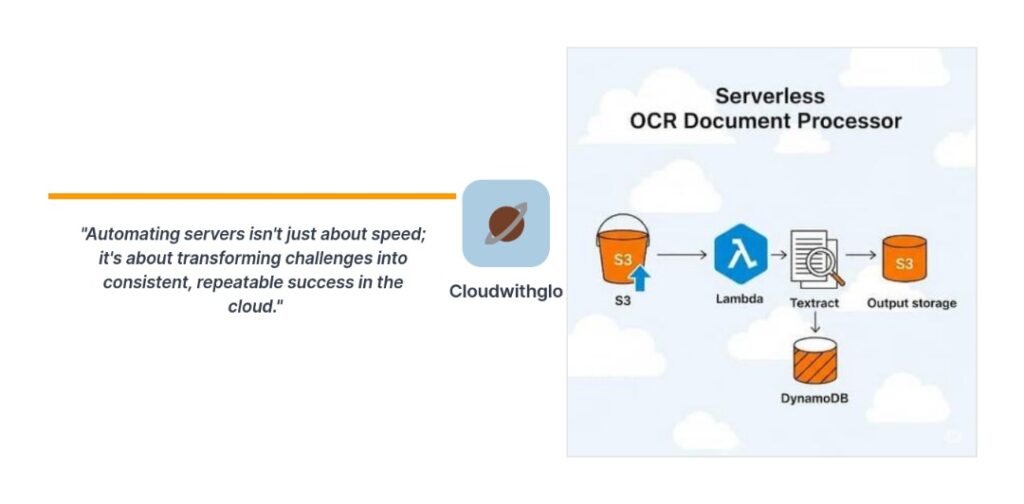
The core of this workflow is built with three AWS services: S3, Lambda, and CloudWatch.
We’ll also use Amazon Textract as the OCR service.
The Workflow
In this serverless OCR document processor, Amazon S3 serves as the storage hub for all uploaded files.
When a new document is added to the bucket, it automatically triggers an AWS Lambda function,
which runs the OCR process to extract text. The extracted output can then be saved back into S3 or
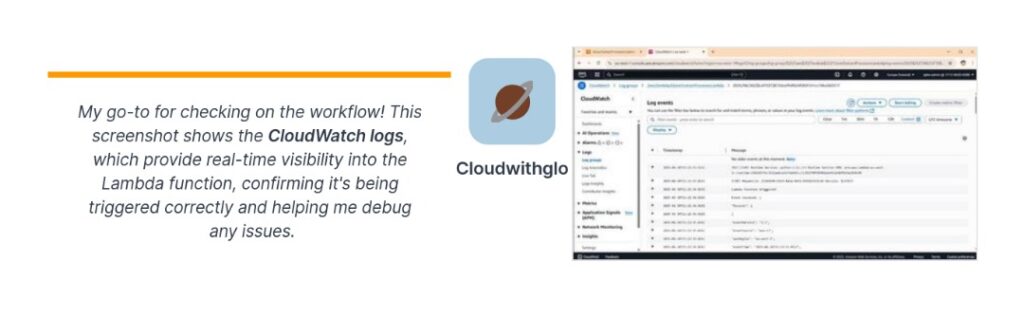
another service for further use. Throughout the workflow, CloudWatch provides monitoring and logging,
giving visibility into performance, execution time, and any errors. Together, these services create a scalable,
cost-effective, and fully automated solution without the need to manage servers.
Hands-on Tutorial
Now that we understand the project and the services involved, let’s dive into the hands-on,
step-by-step tutorial to build it ourselves.
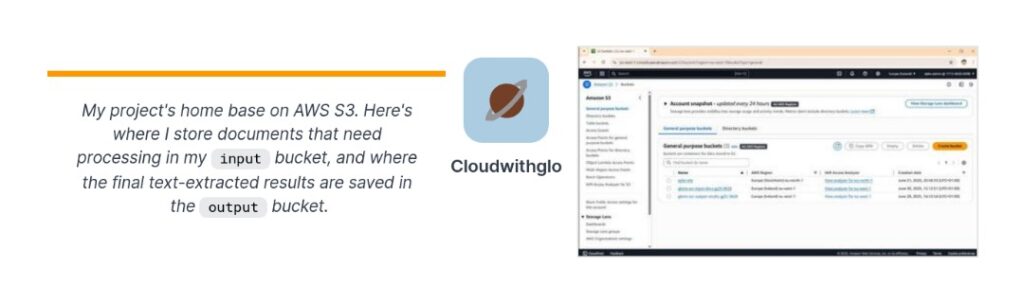
- Create an S3 Bucket: This bucket will store all your documents that you want to process with Textract,
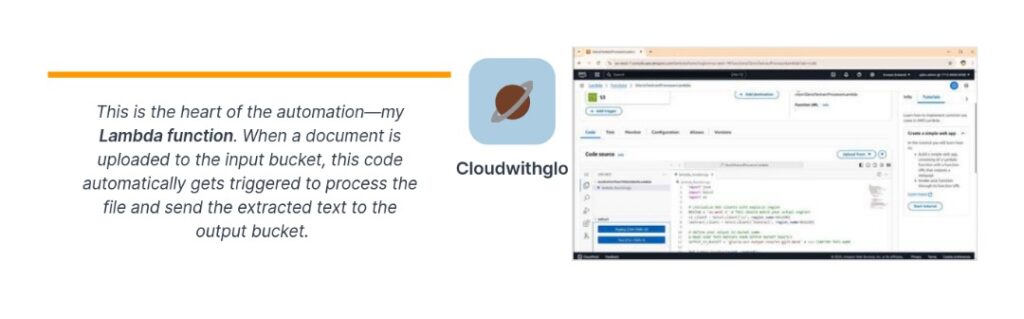
so it’s the foundation of your OCR workflow. - Set Up a Lambda Function: The next step is to set up a Lambda function. This function will be triggered
whenever a new document is uploaded to your S3 bucket and will call Amazon Textract to extract text
from the document automatically. - Set Up IAM Permissions: To make sure the Lambda function can talk to other AWS services, you need to set up
IAM permissions. This is the best practice for giving a service access to other services.s3:GetObject(to read documents from your bucket)s3:PutObject(if you want to save processed results back to S3)textract:DetectDocumentTextortextract:AnalyzeDocument(to extract text or data)
- Connect S3 and Lambda: The next logical step is to connect the S3 bucket to the Lambda function by setting up
an S3 event trigger. This way, every time a new document is uploaded, the Lambda function automatically runs and
sends the file to Textract for processing. - Store the Output: A good next step is to store the extracted text in a structured place so your application can use it.
Common options include storing the extracted text in S3 if you just need simple storage or archiving, or using
DynamoDB if you need fast search and querying.
Conclusion
With just a few AWS services S3, Lambda, and Textract—you’ve built a simple serverless
OCR workflow that turns uploaded documents into usable text. Whether you store
the results in S3 or DynamoDB, this setup can be extended into bigger applications.
Now it’s your turn—log in to the AWS Console and try building it step by step.